Overview
More triggers to help admins respond faster and engage smarter! We've added 4 new Communities triggers to the platform Workflows, giving admins even more ways to act on important member activity — automating follow-ups, alerts, moderation flows, and event-based engagement directly from what members do inside groups.
What's New
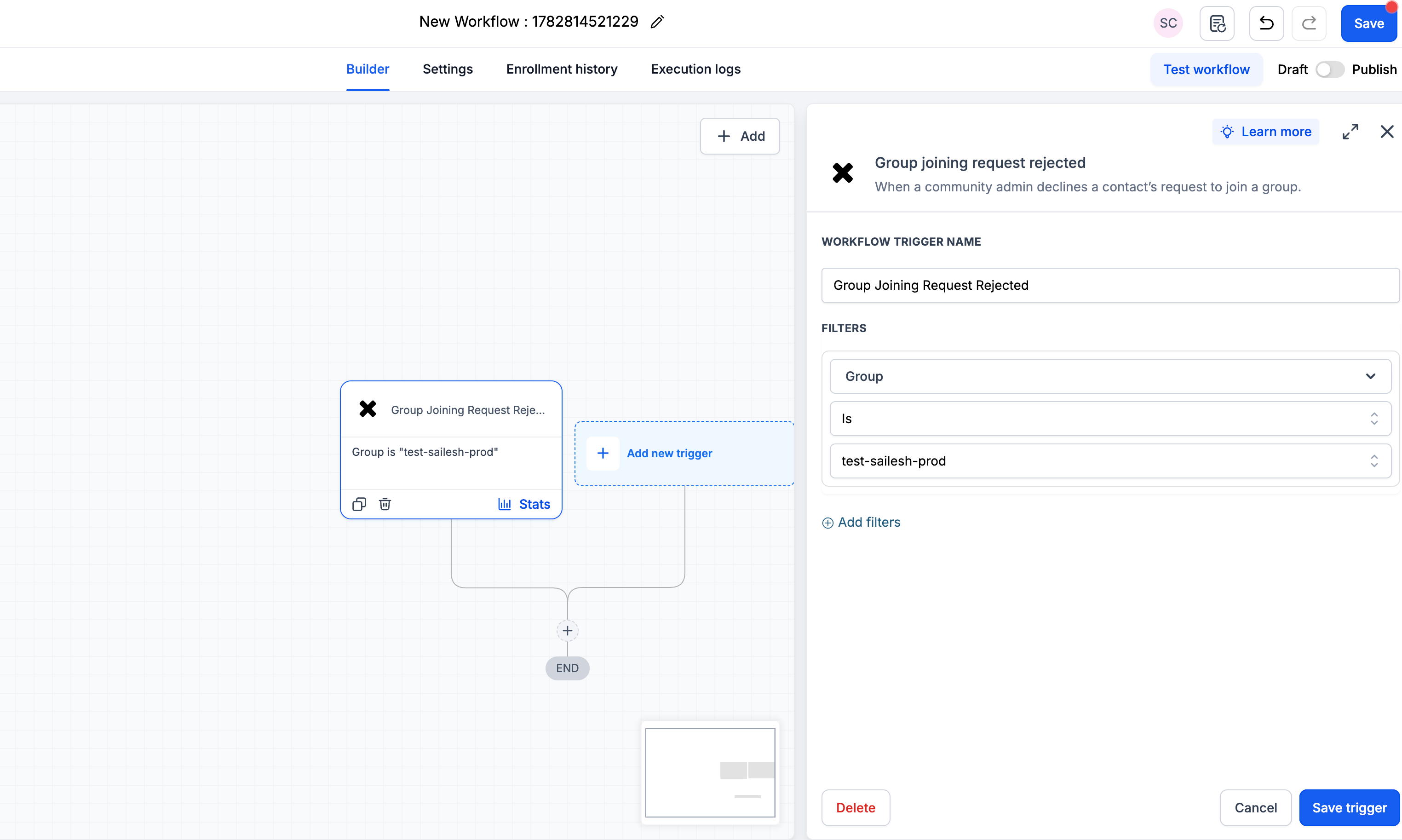
1. Group Joining Request Rejected
Trigger a workflow when a member's request to join a group is rejected.
Filters: Group (required)
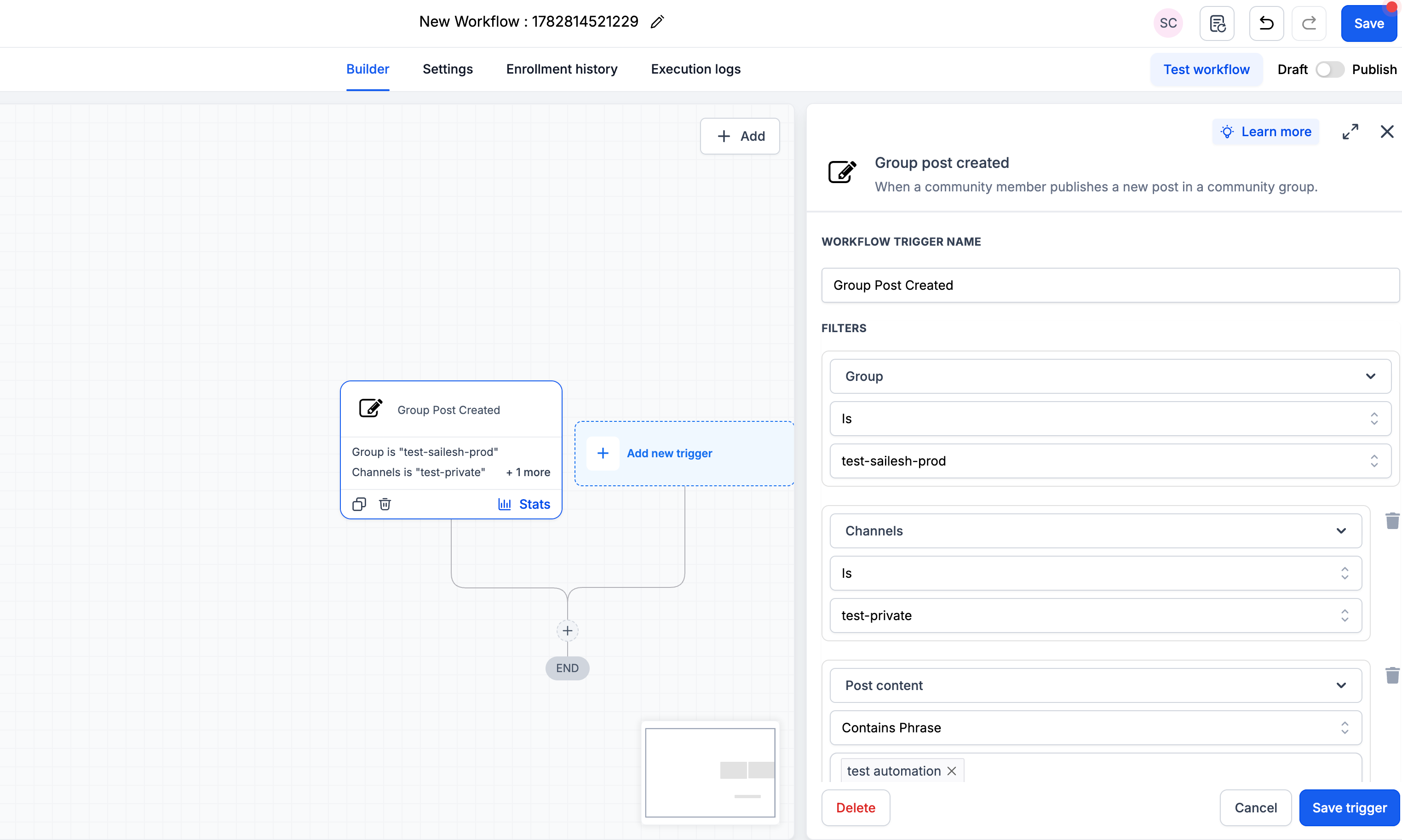
2. Group Post Created
Trigger a workflow when a new post is created in a group.
Filters: Group (required), Channel, Post Title, Post Content
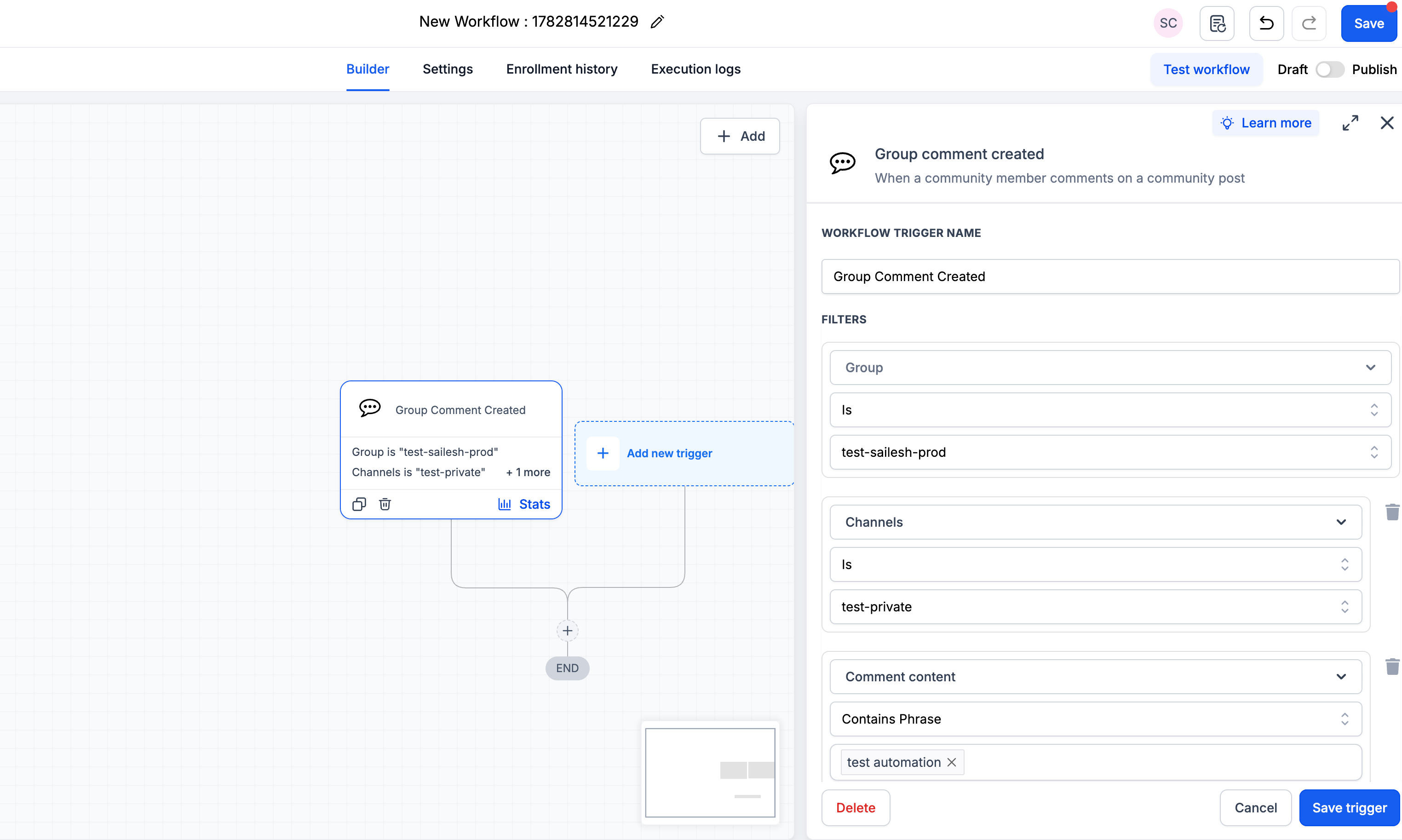
3. Group Comment Created
Trigger a workflow when a new comment is added to a group post.
Filters: Group (required), Channel, Post Title, Post Content, Comment Content
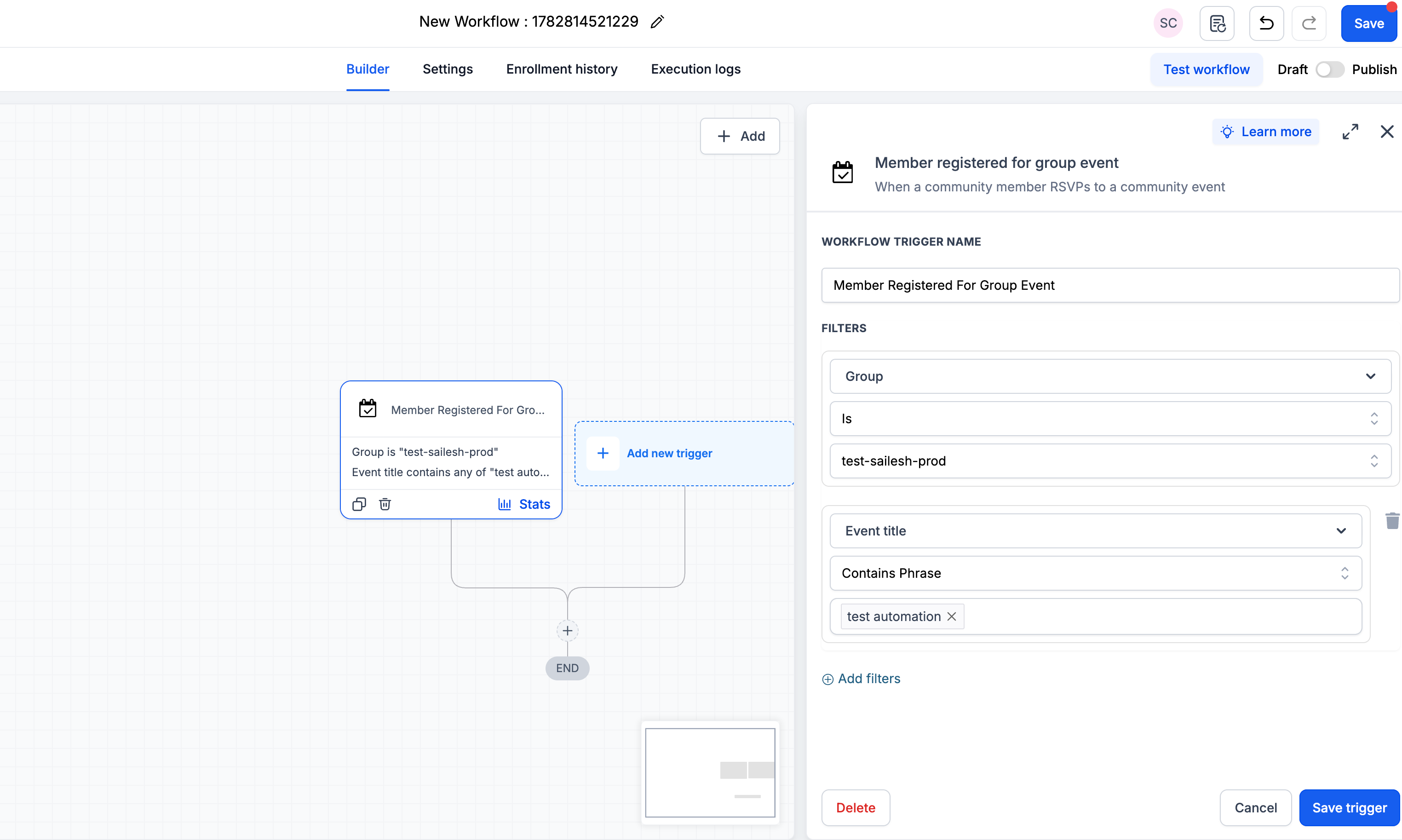
4. Member Registered for Group Event
Trigger a workflow when a member registers for a group event.
Filters: Group (required), Event Title
Why This Feature Matters
More automation possibilities — Turn everyday community activity into instant workflow actions.
Smarter targeting — Use filters like channel, post content, comment content, and event title to trigger workflows only when it matters.
Faster moderation and visibility — Alert the right people, flag key activity, or route updates automatically.
Less manual effort as groups grow — Automate repetitive engagement and follow-up moments at scale.
Stronger Communities + Workflows connection — Posts, comments, event registrations, and membership decisions can now power even more automated journeys.
How to Use It
Go to Automation > Workflows in your account.
Create a new workflow or open an existing one.
Click Add New Trigger and search "Community" to find the new triggers.
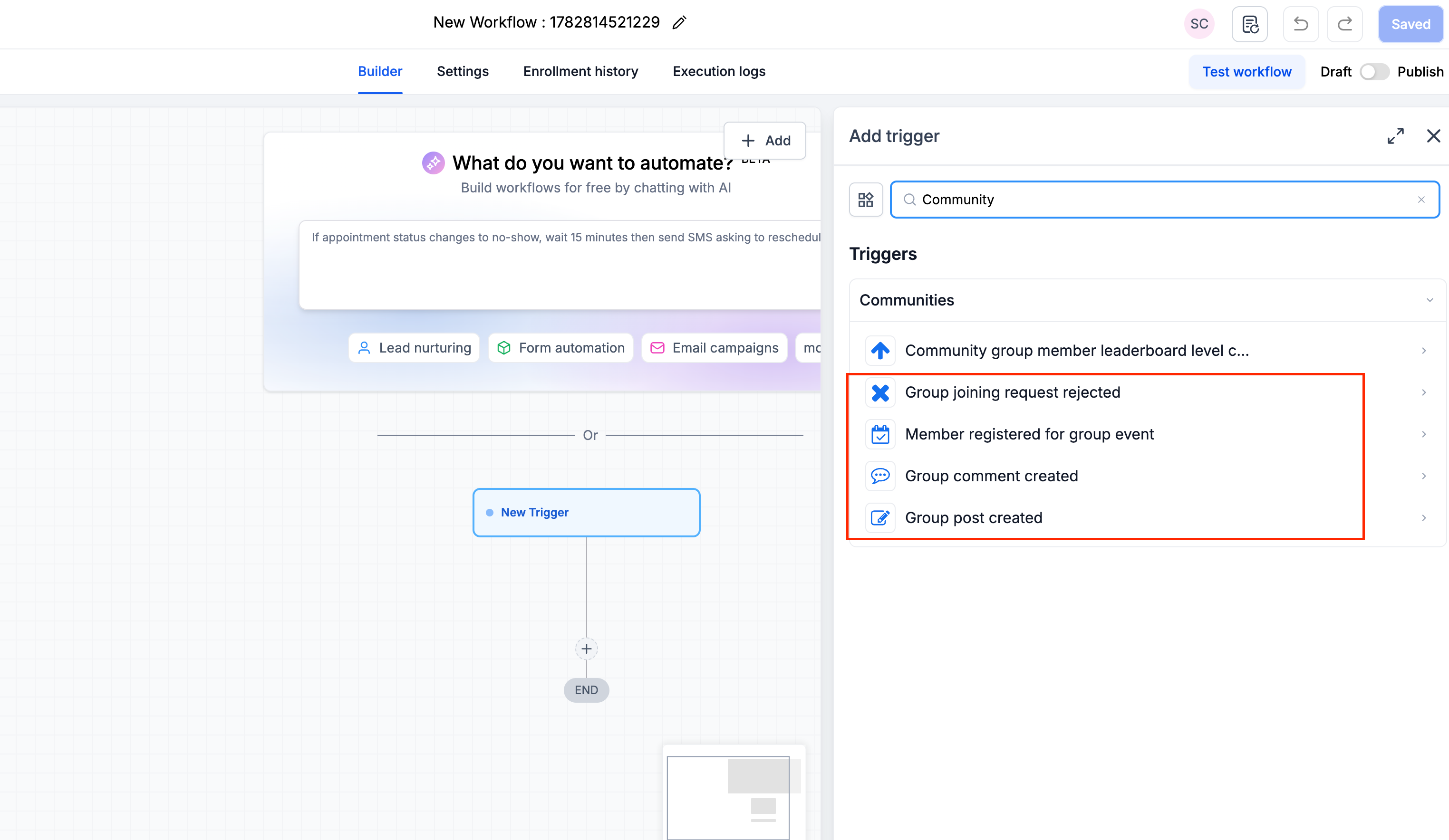
Select your trigger, choose the Group (required), and apply any optional filters like Channel, Post Title, Post Content, Comment Content, or Event Title.
Build out your workflow actions and hit Save trigger, then Publish — your automation is live!
Was this article helpful?
That’s Great!
Thank you for your feedback
Sorry! We couldn't be helpful
Thank you for your feedback
Feedback sent
We appreciate your effort and will try to fix the article